
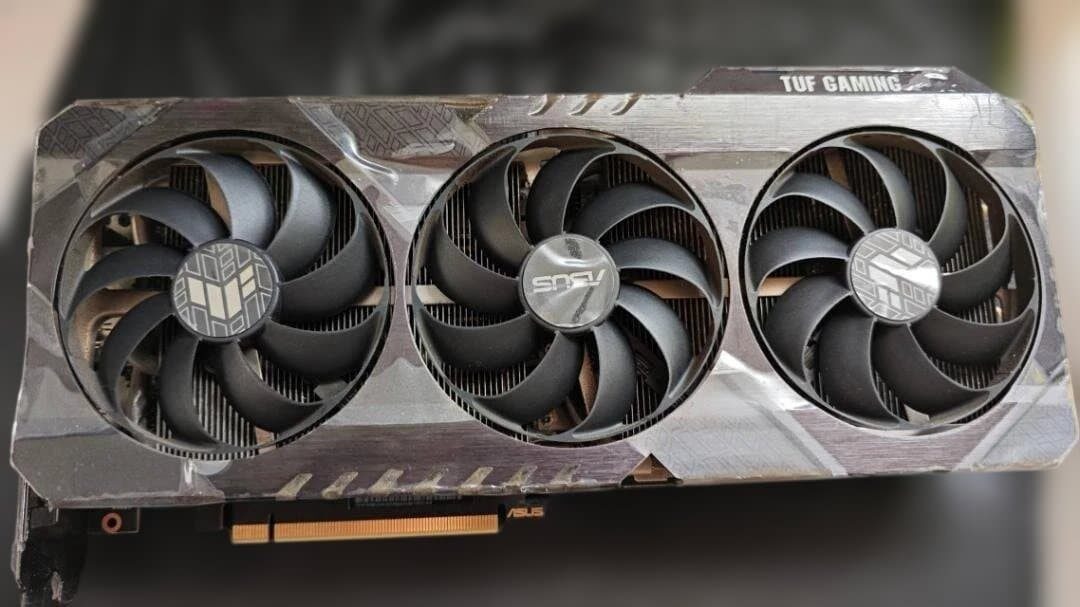
The new card is in. The old one is on the desk, in an antistatic bag, and it will be in a drawer by Friday. In two years you will find it while looking for something else, and it will be worth a third of what it is worth today.
That is the default outcome, and it is the worst one. Here are the alternatives, roughly in order of how much thought they take.
First: it is worth more than you think
Graphics cards have not depreciated normally since 2024. AI datacentre demand has absorbed the world’s memory supply, new cards are expensive and thin on the ground, and the second-hand market has firmed up as a direct result.
A card that would have been near-worthless three years after launch is now a card somebody actively wants, because the alternative is paying inflated prices for new silicon. That is unusual, it will not last forever, and it means the cost of leaving it in a drawer is higher than it has ever been.
So before anything else: find out what yours is actually going for. Search completed listings rather than active ones - what people are asking is fiction, what they paid is data.
Option 1: sell it
The simplest answer, and in this market often the most rewarding.
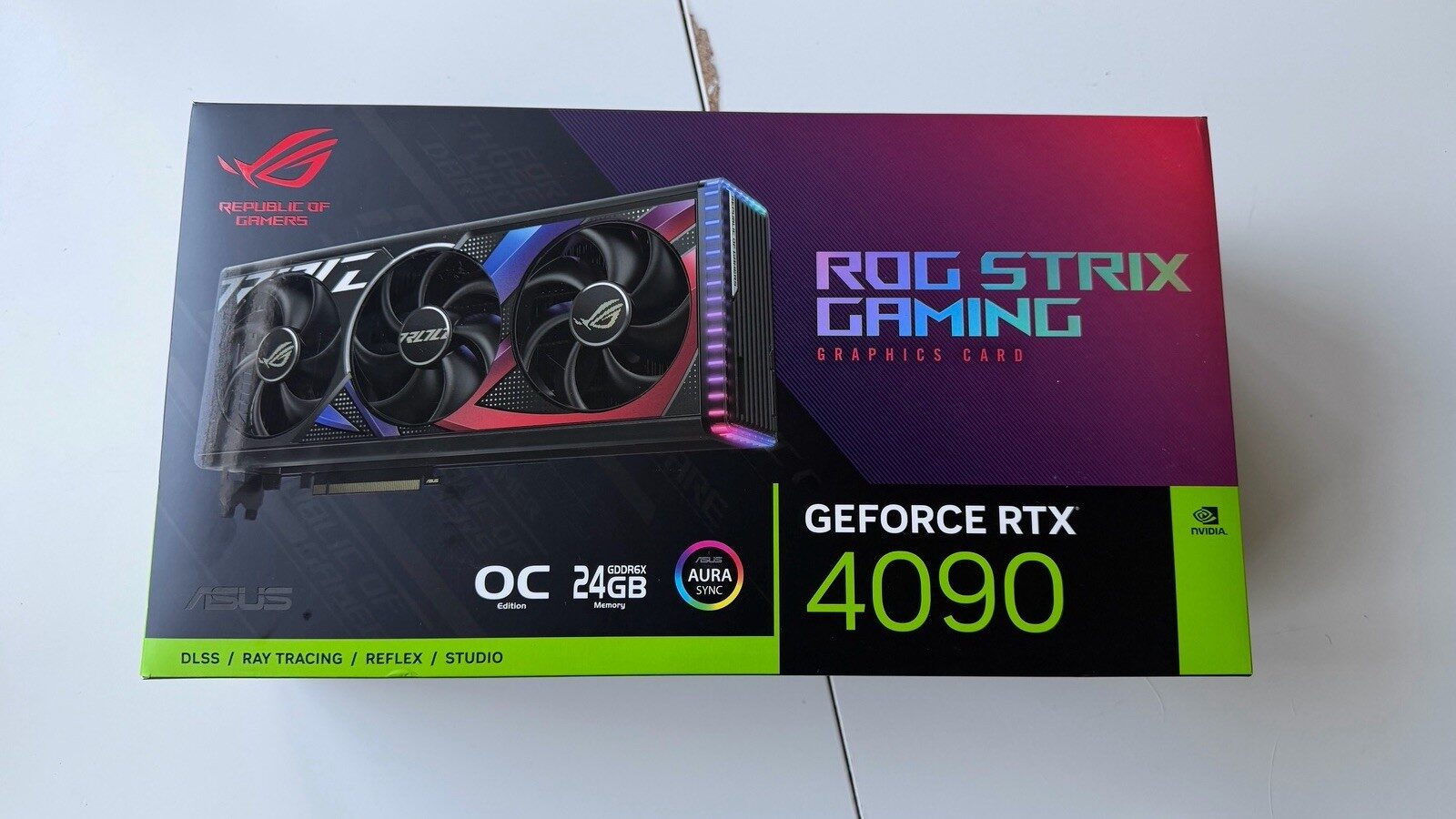
Prepare it properly. Blow the dust out, wipe the shroud, and photograph it honestly in good light, including the connectors and any scuffs. A clean, well-photographed card with a straight description sells faster and higher than a dusty one shot on a carpet.
Test it before you list it. Your buyer may well run the full checklist on arrival, and it is far better for you to find a problem first. A card described as “fans a bit noisy, otherwise perfect” sells fine. A card that fails a memory test at the buyer’s end becomes a dispute.
Say what it did. If it mined, say so, and say how it was cooled. Buyers are more forgiving of an honest mining card than of a vague one, because vagueness suggests you are hiding something.
Price it against completed sales, not against the optimistic listing that has been sitting there for six weeks.
Option 2: turn it into an AI machine
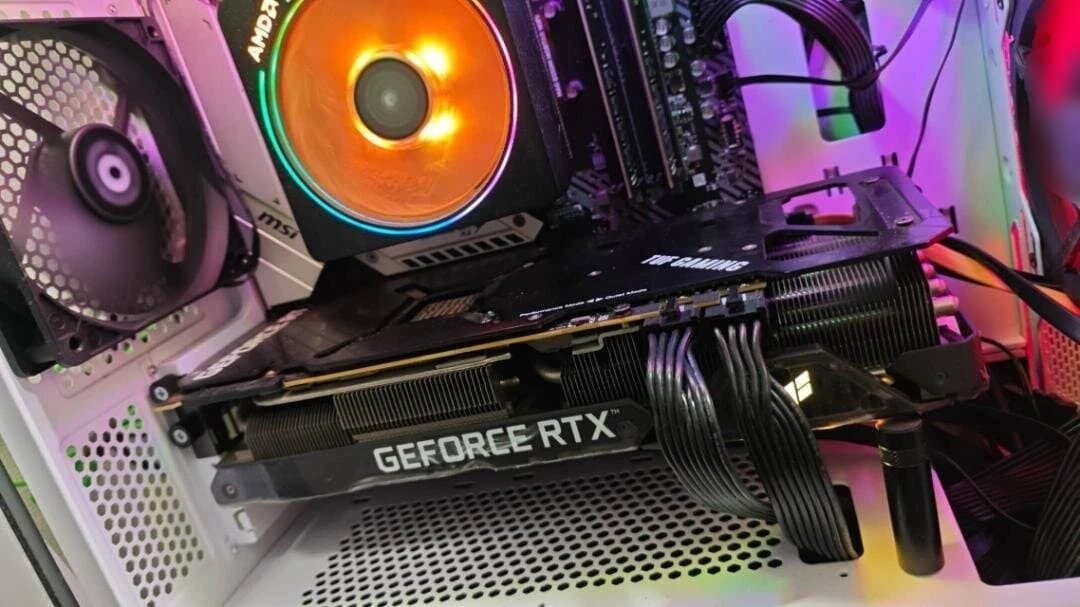
This is the one most people have not considered, and it is the reason this article exists.
An older card with a decent amount of memory is a perfectly good local inference machine. Not a fast one, necessarily - but for running a language model, memory capacity matters far more than raw speed. A 2019 card with 11 GB will run models that a brand new 8 GB card cannot load at all.
What each old card can do:
| Old card | VRAM | Verdict as an AI box |
|---|---|---|
| GTX 1080 Ti | 11 GB | Runs 8B models. Old architecture, no modern acceleration, but the memory is there |
| RTX 2060 / 3060 Ti / 3070 | 6-8 GB | 7-9B models at short context. Genuinely usable for chat and coding help |
| RTX 3060 12GB | 12 GB | The sleeper. Runs 14B models. Do not sell this one cheaply |
| RTX 3080 10GB | 10 GB | Fast, awkward capacity. Comfortable with 8B, short of 14B |
| RTX 3090 | 24 GB | Do not sell it. This is the card people are buying specifically for this |
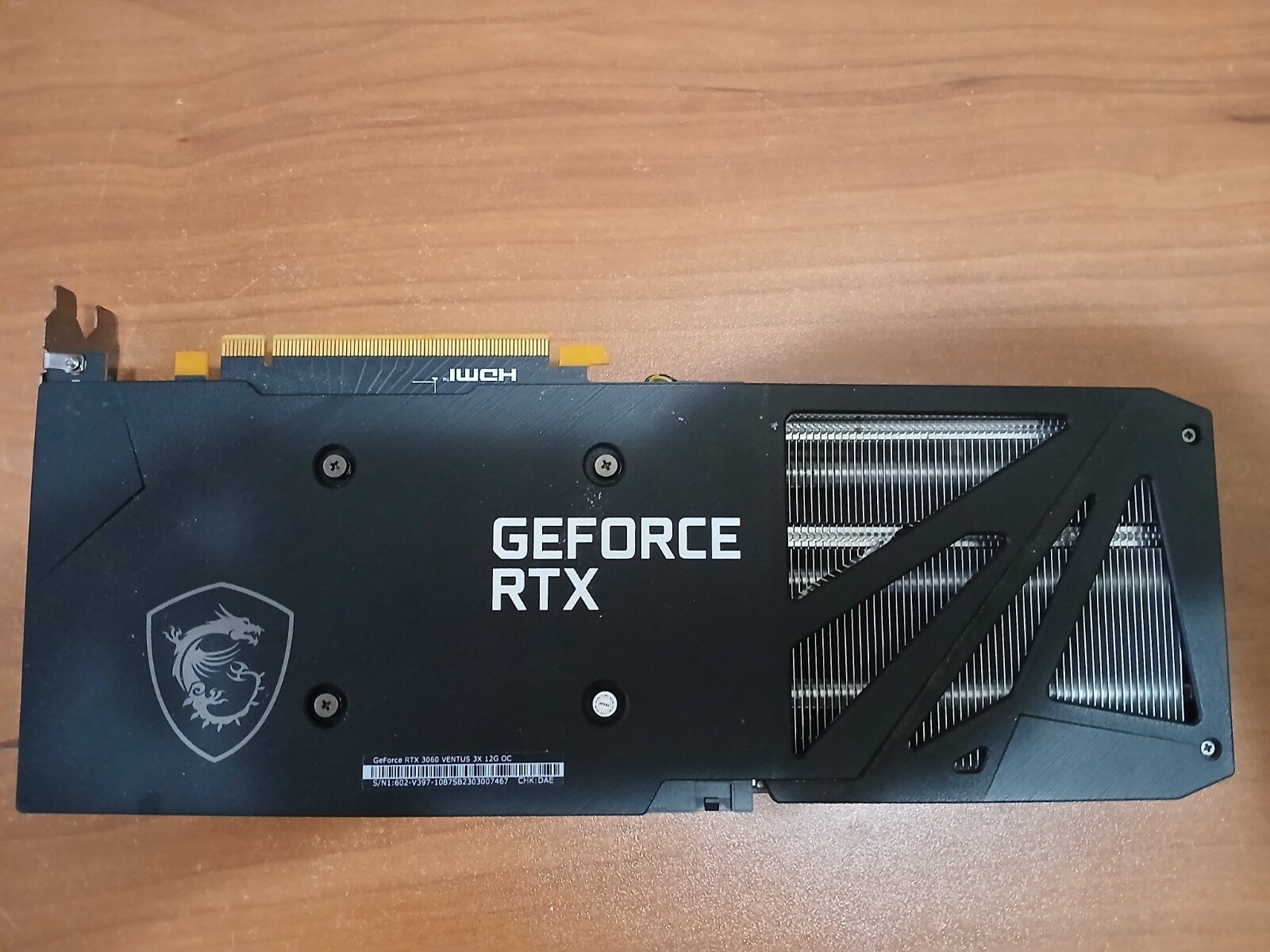
If you have just upgraded from a 3090, stop and think hard before listing it. 24 GB runs 32B models, which is the tier where local output starts feeling close to cloud quality, and you already own it.
The practical shape of this is a second machine that lives on a shelf, headless, answering requests over your network. The old card goes in it, and it becomes a private, unmetered assistant for the whole house. There is a full build guide here, and if the vocabulary is unfamiliar, start with the jargon explainer.
Option 3: make it a media server
An old GPU with a hardware video encoder is a superb Plex or Jellyfin transcoder.
Any NVIDIA card from the GTX 10 series onward has NVENC, which offloads video transcoding from the CPU entirely. A machine that would choke on two simultaneous 4K streams using its processor will handle several without breaking a sweat once the GPU is doing the work. Turing cards and newer removed the old limit on how many streams could be encoded at once, so a 20-series card is a particularly good fit.
This is a genuinely great retirement job for a card whose gaming days are done. It asks nothing of the GPU’s shaders, only its encoder, so old and slow is fine.
Option 4: a second PC that does the boring jobs
Between AI inference and media serving, the theme is the same: a modest always-on machine that takes work off your main PC.
Other jobs it can do: game streaming to a TV, a dedicated encoder for OBS if you stream, a test machine for the operating system you would rather not install on your daily driver, or a family computer that does not need to be fast.
The card that used to run your games at high settings is comfortably overqualified for all of it.
Option 5: give it away
If it is genuinely old - a 4 GB card, say - the resale value may not justify the hassle of listing, packing and posting it.
A teenager building a first PC, a school, a community repair project, or a local charity will get far more from it than you will get from selling it. Somebody’s first gaming machine is a better ending than twelve quid and a trip to the post office.
What not to do
Do not leave it in a drawer. The market is unusually strong right now, and cards do not get more valuable sitting unused. This is the single most common outcome and the only one with no upside at all.
Do not mine on it. The economics have not made sense for consumer cards in years, and you will spend more on electricity than you earn while wearing out fans and memory.
Do not bin it. Graphics cards are electronic waste and should go to a recycling point, not a bin. They also contain recoverable materials, which is a better fate than landfill.
Do not sell it “for parts” out of vagueness. If it works, say it works and test it. “Untested, sold as seen” reads as “broken” and prices accordingly, and you will lose more than the testing would have cost you in time.
Frequently asked questions
Is my old graphics card worth selling in 2026?
Almost certainly, and for more than you would expect. AI demand has pushed memory prices up and firmed the whole second-hand market, so cards several generations old are holding value in a way they historically have not. Check completed listings rather than asking prices.
Can an old GPU run AI models?
Yes, if it has the memory. Memory capacity matters more than speed for running a model: an 11 GB card from 2017 will load models that an 8 GB card from this year cannot. Anything from 8 GB up is useful, and 12 GB or more is genuinely capable.
What is the best use for an old graphics card?
If it has 12 GB or more, a local AI machine. If it has a hardware video encoder, a Plex or Jellyfin transcoder. If it is genuinely old and low on memory, giving it to someone building their first PC.
Should I sell my RTX 3090 after upgrading?
Think carefully first. 24 GB of VRAM is exactly what local AI work wants, and the 3090 is the card enthusiasts specifically hunt for. If you have any interest in running models locally, you already own the machine to do it with.
Do old GPUs still get driver updates?
For a while. NVIDIA and AMD eventually move older architectures to legacy support, meaning security fixes but no new features. For a media server or an inference box this rarely matters, since neither depends on game-ready driver updates.
Related guides
- How to Test a Used GPU: The Checklist Before Your Return Window Shuts - run this before you list it, not after
- Build a Headless Ubuntu LLM Server with Ollama on 8 GB VRAM - the second life described above, in full
- Best Graphics Card for Gaming: A Resolution-First Buyer’s Guide - what to replace it with
This article may contain affiliate links to Amazon, eBay and other retailers. I may earn a small commission from qualifying purchases made through these links at no additional cost to you.